How-to guides
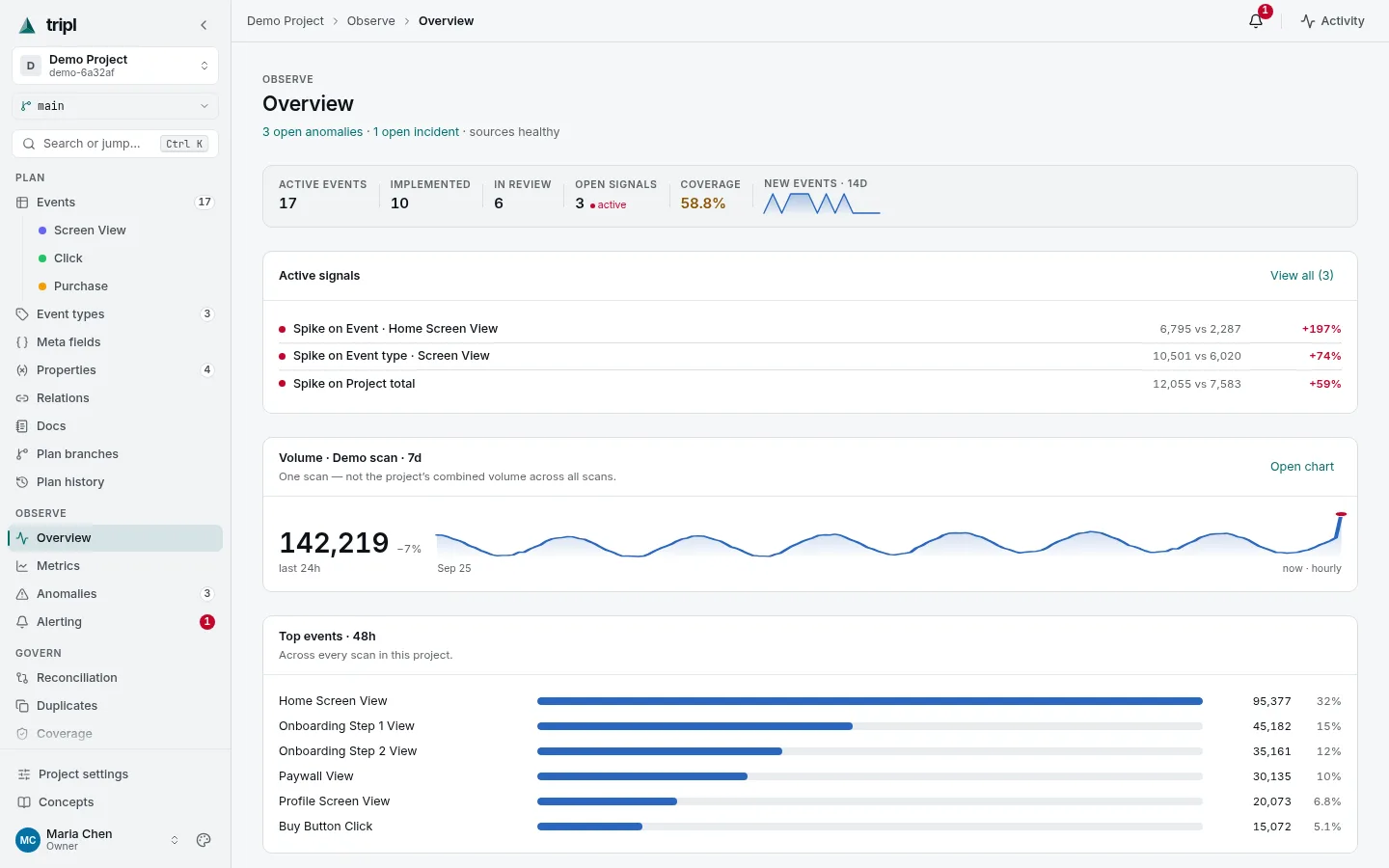
Each guide here does one job, start to finish, in a few minutes of reading. They show the screen you will be looking at and tell you what to click, what to type and what you should see afterwards. When you want the full detail behind a step, every guide ends with a link to the reference page for it.
Your first hour
- Try tripl on the demo project: see everything working on realistic data, with nothing to connect.
- Connect your warehouse: point tripl at ClickHouse, BigQuery or PostgreSQL. It only ever reads.
- Draft your tracking plan from a scan: turn the events already in your warehouse into a written plan.
- Get a message when the numbers move: send alerts to Slack, Telegram, email or a ticket tracker.
Every week
- Investigate a signal: a chart moved; find out why and record what it was.
- Add or change an event: describe a new event, or fix the description of an old one.
- Propose plan changes for review: change the plan on a branch and merge it after someone has looked.
- Find gaps between the plan and the data: events nobody documented, and documented events that stopped arriving.
Your team and your tools
- Invite your team: add people to the organization and to a project, as editors or viewers.
- Keep team notes next to the plan: write down what the plan cannot say, and translate it.
- Let an AI agent read the plan: give Claude or any MCP client a key and the plan to work from.
Not sure what a word means?
Concepts explains every idea in tripl in plain language: events, event types, scans, signals, branches.