Let an AI agent read the plan
You will: let Claude, or any agent that speaks MCP, look up events, fields,
signals and team notes in your plan while it works: "which event do we send when
a purchase fails?", "is cart_item_removed already tracked?", "write the tracking
code for this screen from the plan".
You need: an account with access to the project, and an MCP client such as Claude Code or Claude Desktop.
1. Create a key
Open the settings, then API keys, and press Create key.
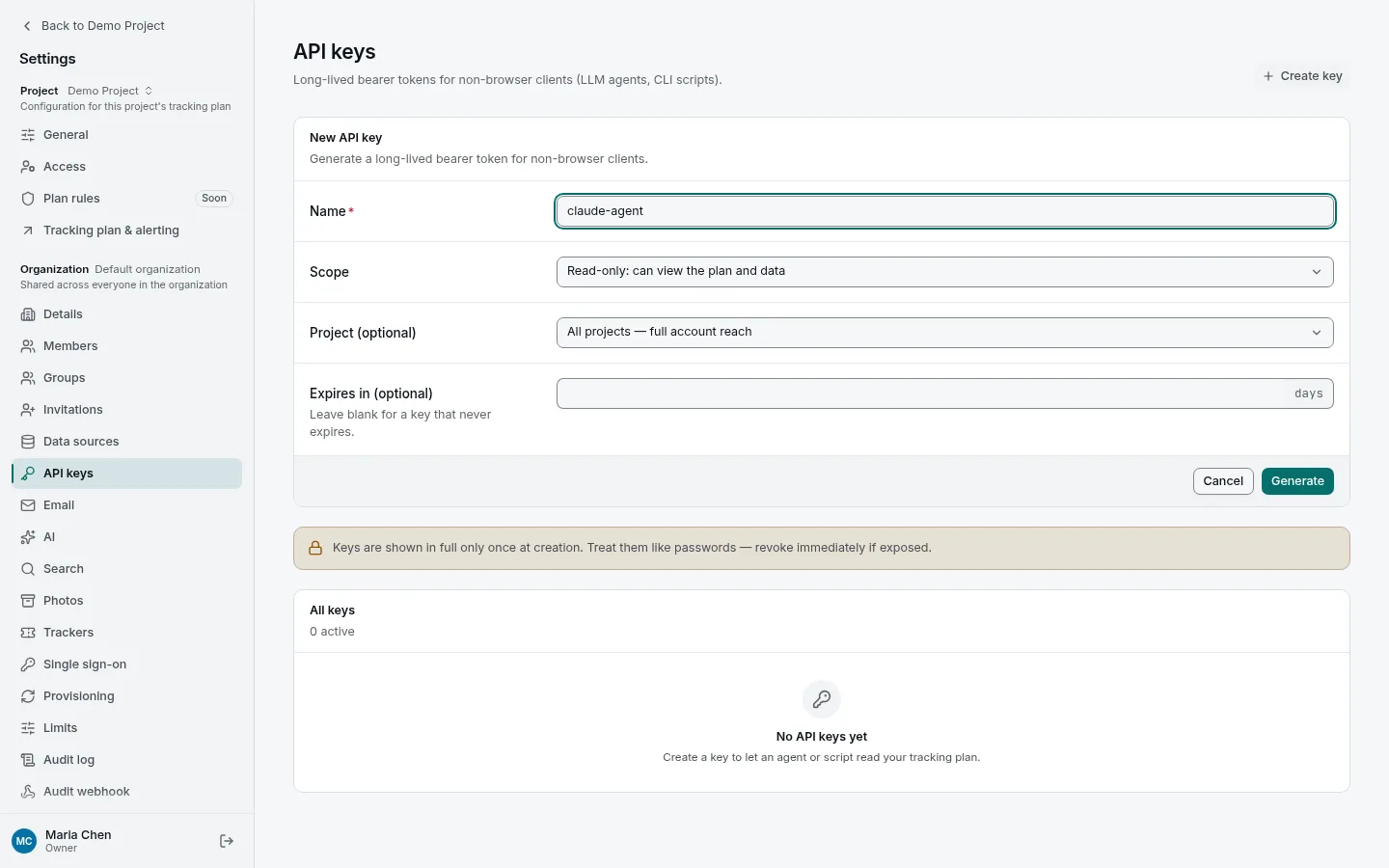
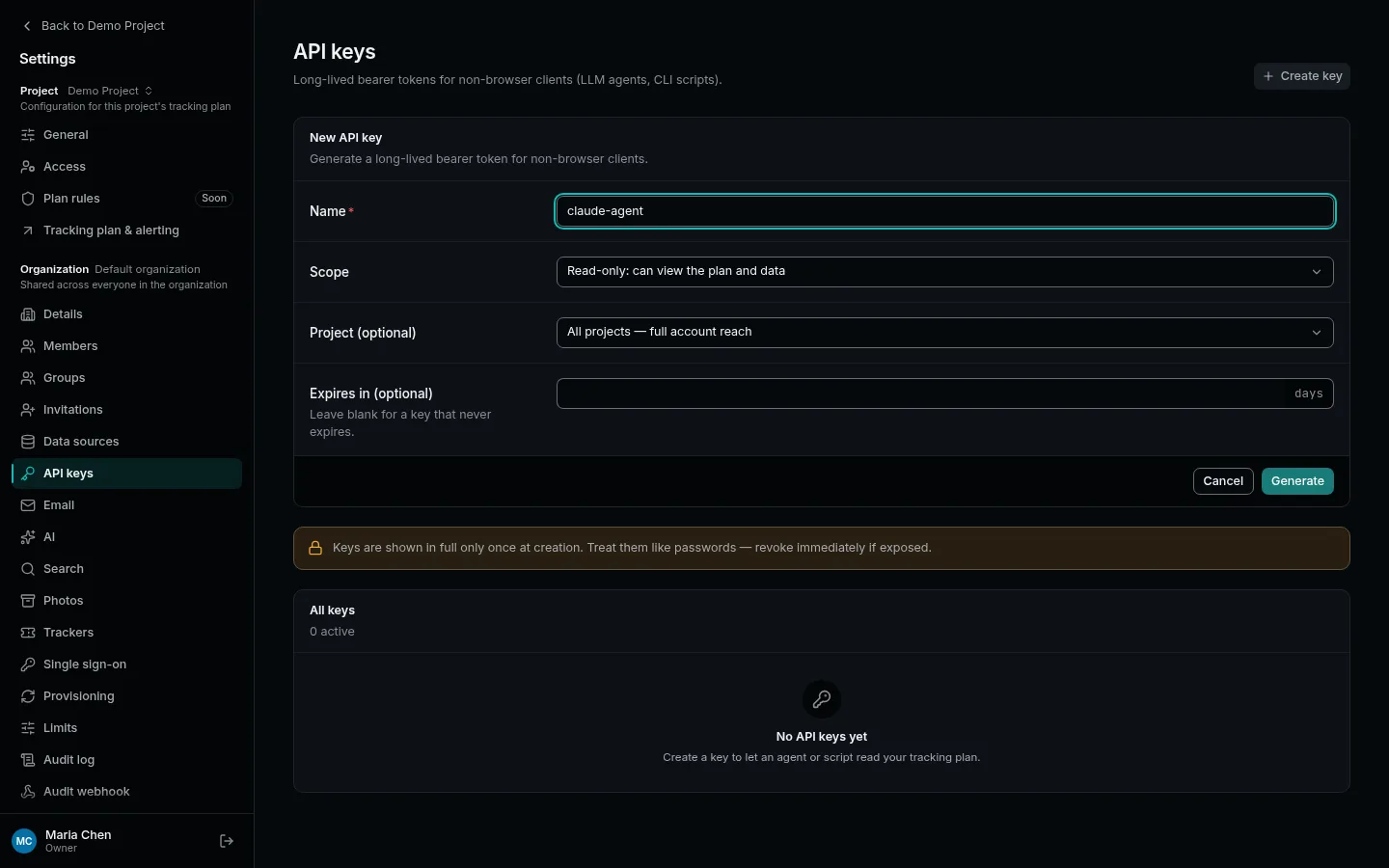
- Name: what it is for, such as
claude-agent. - Scope: keep Read-only unless the agent is meant to propose changes.
- Project: pick the one project the agent works on. A key fenced to one project cannot reach the others.
- Expires in: optional, in days.
Press Generate and copy the key (it starts with tk_r_). It is shown only
once. The key acts as you: it reaches only the projects you can see, and a
read-only key cannot change anything at all.
2. Add tripl to your agent
For Claude Code, in a terminal:
claude mcp add tripl \
  -e TRIPL_BASE_URL=https://tripl.example.com \
  -e TRIPL_API_KEY=tk_r_... \
  -- uvx tripl-mcp
For Claude Desktop, add this under mcpServers in
claude_desktop_config.json:
{
  "mcpServers": {
    "tripl": {
      "command": "uvx",
      "args": ["tripl-mcp"],
      "env": {
        "TRIPL_BASE_URL": "https://tripl.example.com",
        "TRIPL_API_KEY": "tk_r_..."
      }
    }
  }
}
Use your instance's address for TRIPL_BASE_URL. uvx comes with
uv; if you would rather not install it, the
MCP server page has a container and an HTTP option.
3. Ask it something
Start a new conversation and ask about your plan:
Which events do we send during checkout, and which of them have open anomalies?
The agent searches the plan, reads events, their fields and notes, and checks the
open signals, all through the key you gave it. Notes in
Docs are part of what it reads; a SKILL.md there is a
good place to tell agents how your team works with the plan.
A Read & write key lets an agent propose changes. By default the MCP server makes plan changes (events, event types) only on a branch, never on the live plan, so they go through the same review as anyone's. The same key can also start a scan and write Docs notes; notes are not on branches, so a note it writes is live at once.
More detail: MCP server lists every tool, and the Agent API guide covers the HTTP API behind it, including scripts and CI.