Connect your warehouse
You will: give tripl a read-only connection to the warehouse your analytics events already land in.
You need: to be an owner or admin of the organization, and credentials for a warehouse user that can read the events table. tripl only reads: it never writes to the warehouse, and it keeps aggregated counts, not your raw events.
1. Open Data sources
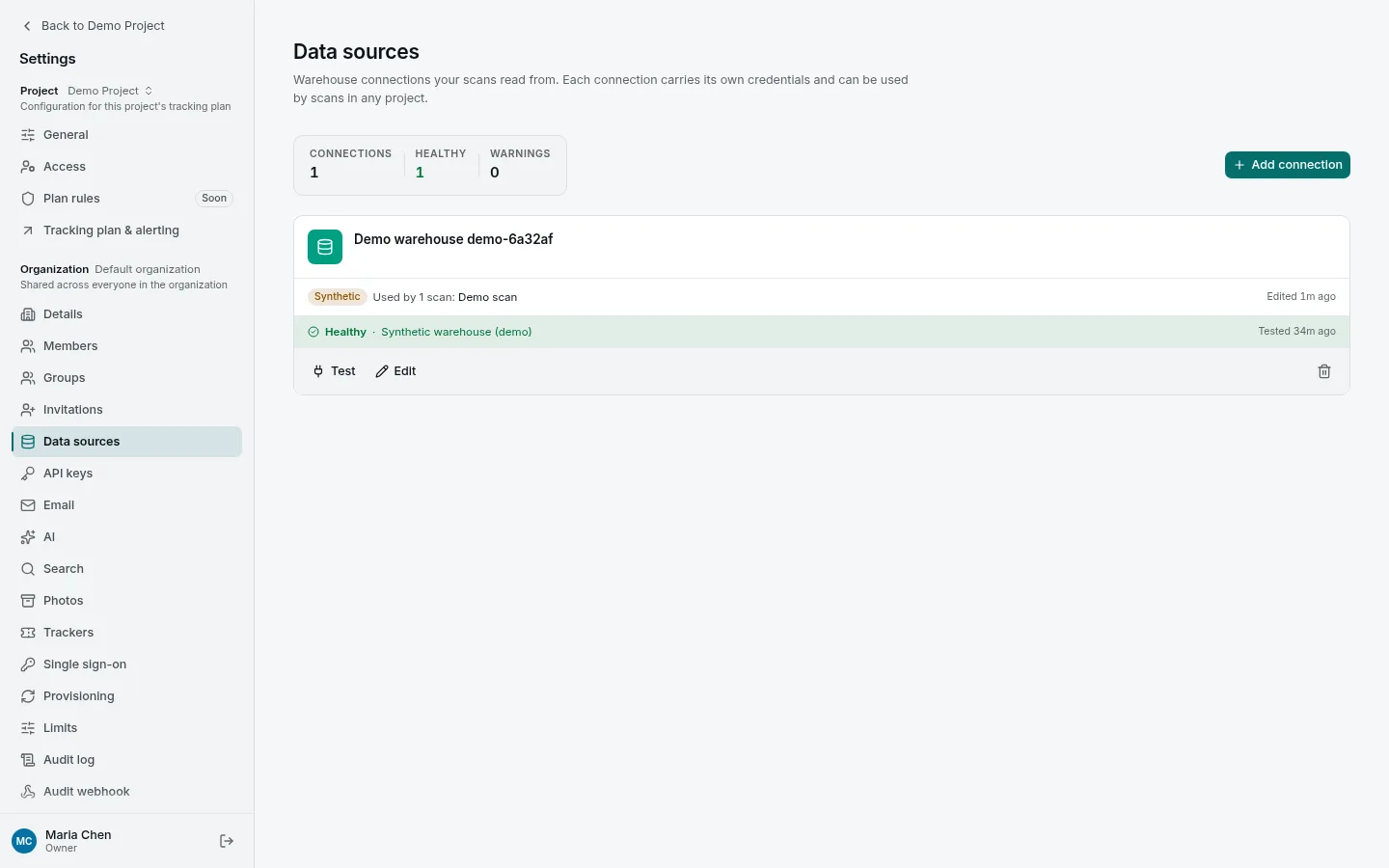
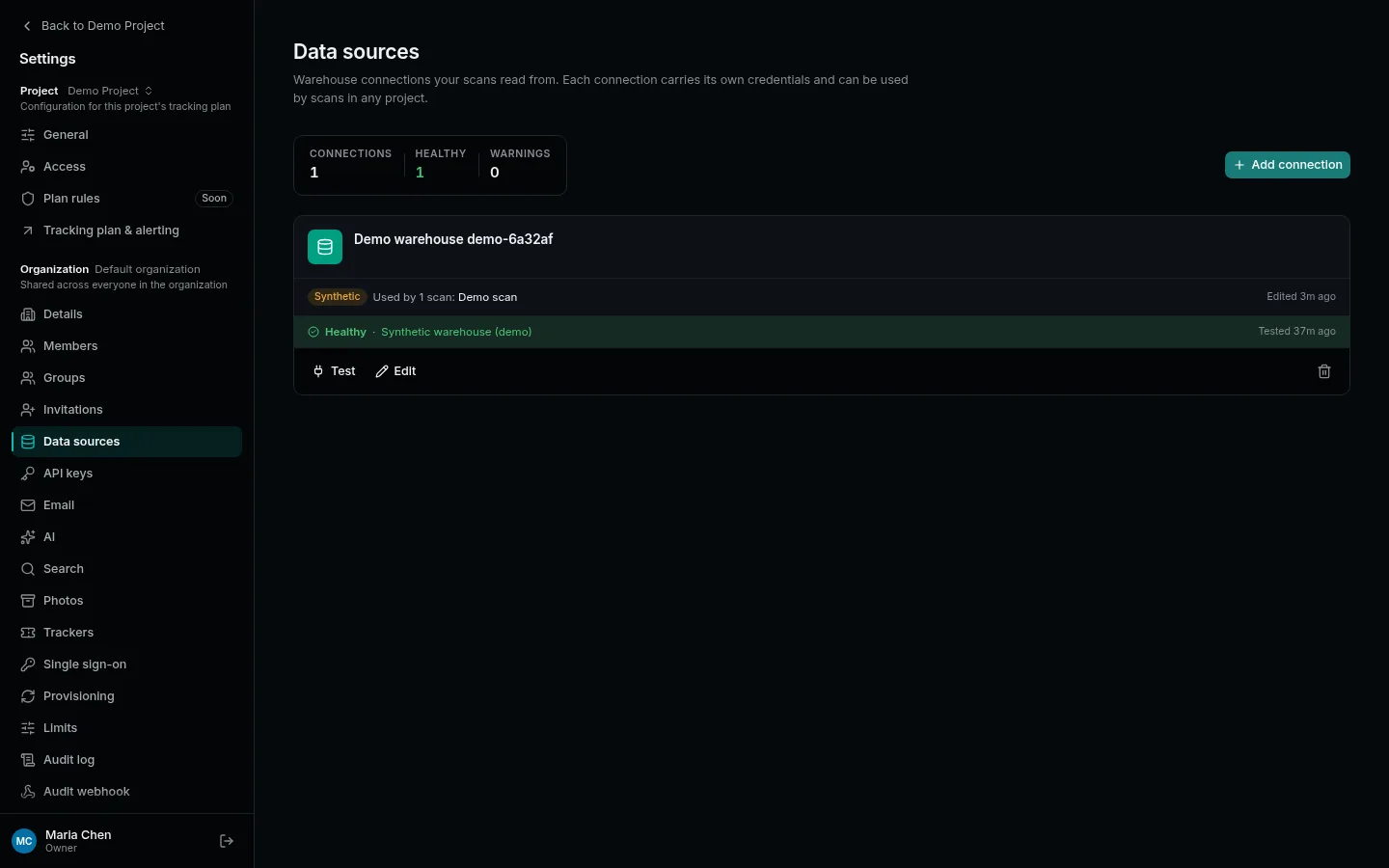
Open the settings (Workspace settings in the account menu at the bottom left, or Settings in the sidebar of All projects) and choose Data sources in the Organization group. A connection belongs to the organization, so every project in it can scan from it.
2. Add the connection
Press Add connection, give it a name your team will recognise, and pick the Type. The form asks for what that warehouse needs:
| Warehouse | What to fill in |
|---|---|
| ClickHouse | Host, port (8123), database, username, password. |
| PostgreSQL | Host, port (5432), database, username, password. Version 14 or newer. |
| BigQuery | GCP project ID, a default dataset, and a service-account JSON key pasted into the form. |
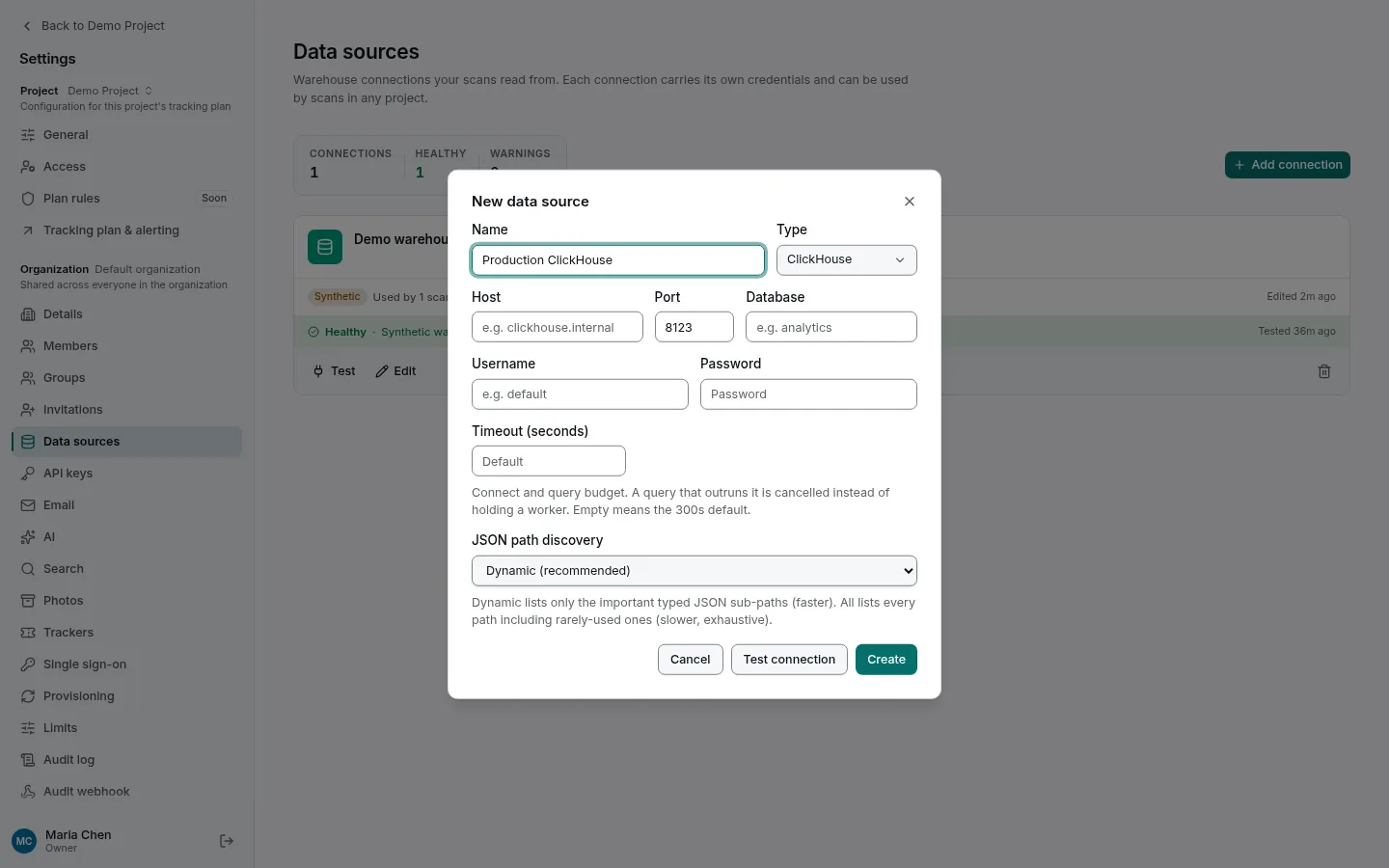
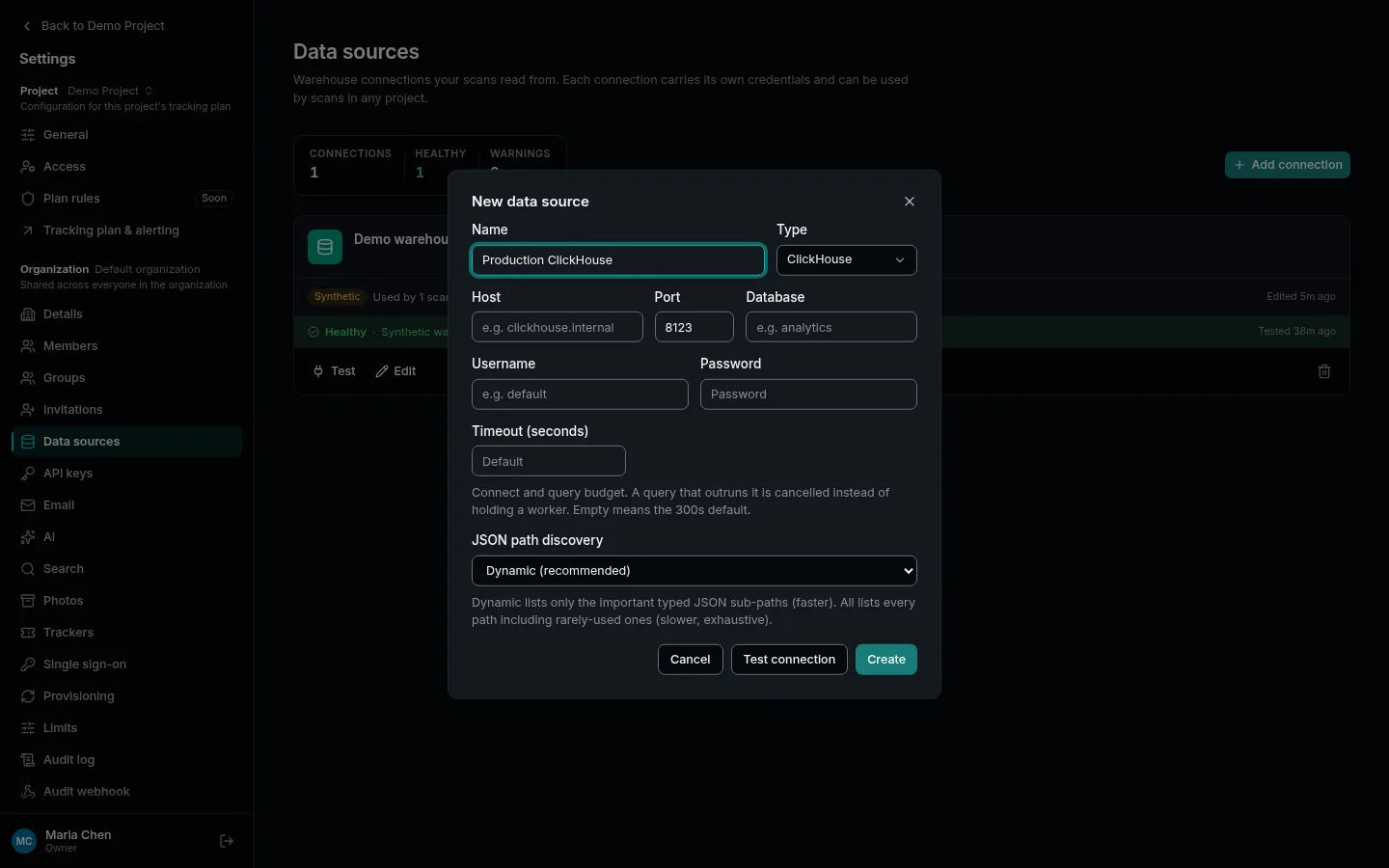
Press Test connection before Create: it tries the credentials without saving anything.
A warehouse user that can only SELECT from the events tables is all tripl needs.
It also makes tripl's queries easy to find in the warehouse's own query log.
3. Check it stays healthy
The new card shows the result of the last test: Healthy in green, a warning in amber once that result is more than a week old, or the error in red with Re-test connection and Edit connection beside it. A test only proves the warehouse was reachable at that moment, so re-test after you rotate a password or change the network.
Next
A connection does nothing on its own. Next, draft your tracking plan from a scan, which reads from it.
More detail: the User Guide covers TLS modes, BigQuery cost guards and query timeouts, and the warehouse capability matrix says what each warehouse supports and how well it is tested.