Add or change an event
You will: describe an event so that an engineer can build it and an analyst can trust it: its name, what it means, the fields it carries and where it is in its life.
You need: to be an editor of the project (or an owner or admin).
1. Open the form
- A new event: open Plan → Events and press New event (or c on the keyboard).
- An existing one: open the event and press Edit.
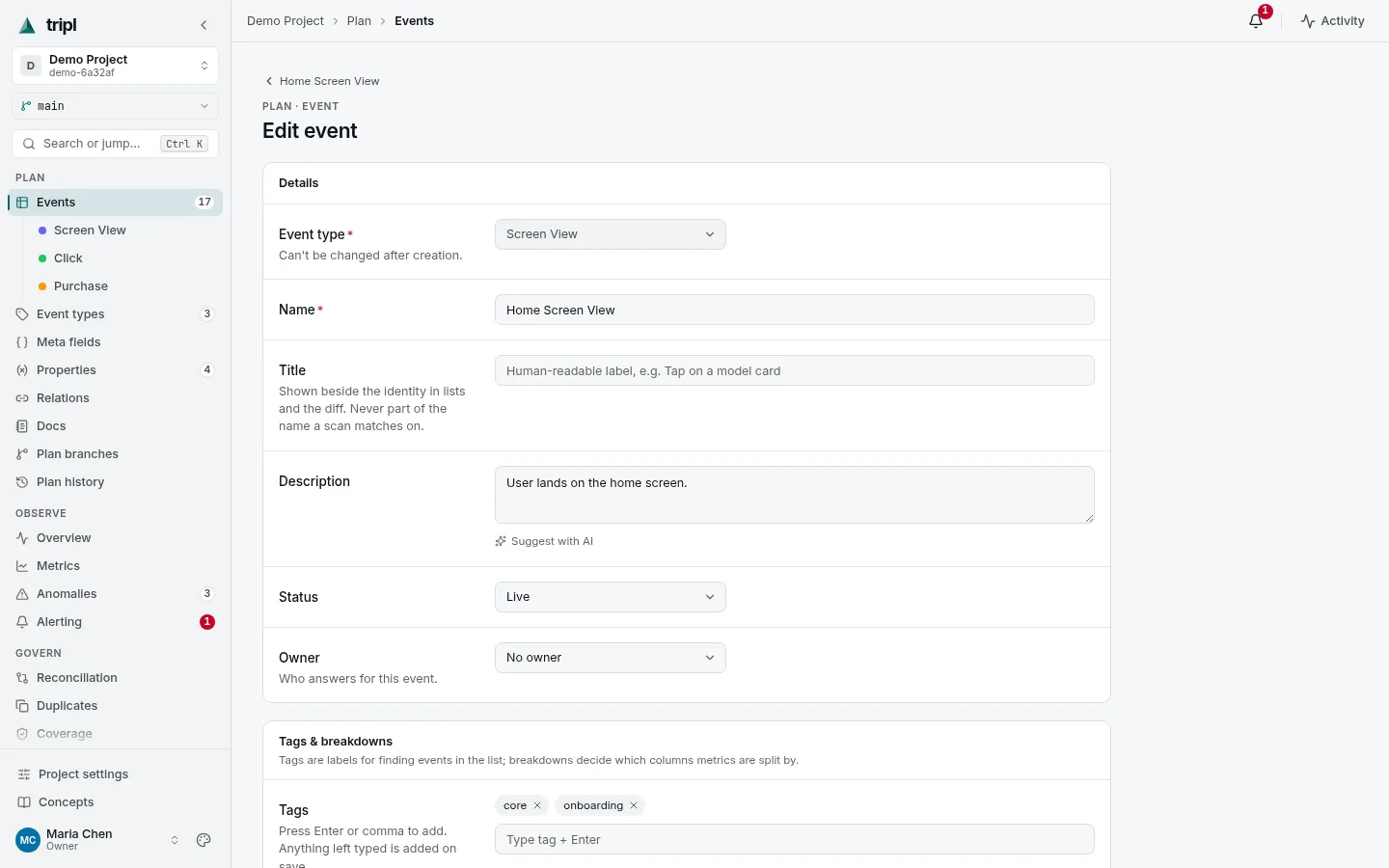
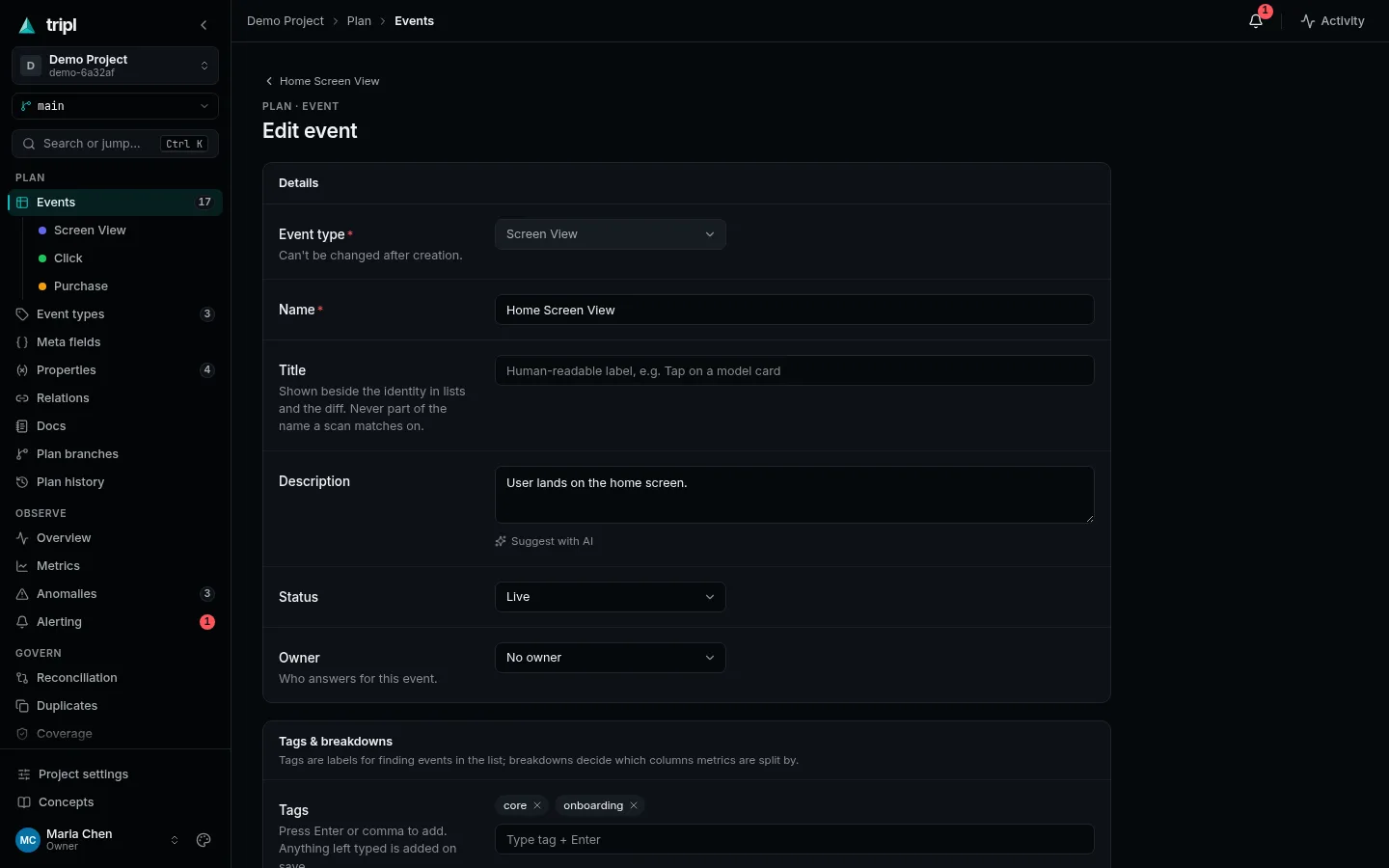
2. Fill it in
| Field | What to put there |
|---|---|
| Event type | The folder it belongs to, such as Screen View or Purchase. It decides which fields the event has, and cannot be changed later. |
| Name | Exactly what the app sends. Monitoring matches data on it, so copy it, do not paraphrase it. |
| Title | Optional. A readable label such as Order paid, shown beside the name. Change it any time. |
| Description | When it fires and what it means, in a sentence a newcomer understands. With AI on, Suggest with AI drafts one. |
| Status | Where it is in its life: Draft, In Review, Ready for Dev, Implemented, Live, Deprecated. |
| Owner | The person who answers for it. |
| Tags | Words to find it by: checkout, onboarding. |
| Fields | The values the event carries, laid out by its event type. Use ${property} to reuse a documented property. |
3. Save
Press Save. Adding several similar events? Save and add another keeps the form filled in, so you change only what differs.
You do not have to move an event to Live yourself. The first time a scan sees data for an event that is Ready for Dev or Implemented (with its required fields filled in), tripl marks it Live and records when it first arrived.
Edit on a branch instead, so someone can review the change before it reaches the live plan. See Propose plan changes for review. On a branch, this same form saves to the branch.
Next
- An event with a lot of fields to explain, or a gotcha to warn about? Write a note and link it: Keep team notes next to the plan.
- Retiring an event? Set it to Deprecated with a Sunset date and what it is Replaced by, and tripl watches that the old one really goes quiet.
More detail: Event detail & editing
in the Feature Reference, and Properties & templates
for ${property} values.