Keep team notes next to the plan
You will: write down what an event definition cannot say (how to query the checkout funnel, why amounts are in cents, which table double-counts retries) in one place that people and AI agents both read.
You need: to be an editor of the project to write project notes. Organization-wide notes are written by owners and admins. By default everyone in the project can read a note; its author can narrow that to chosen people and groups, or to Only me.
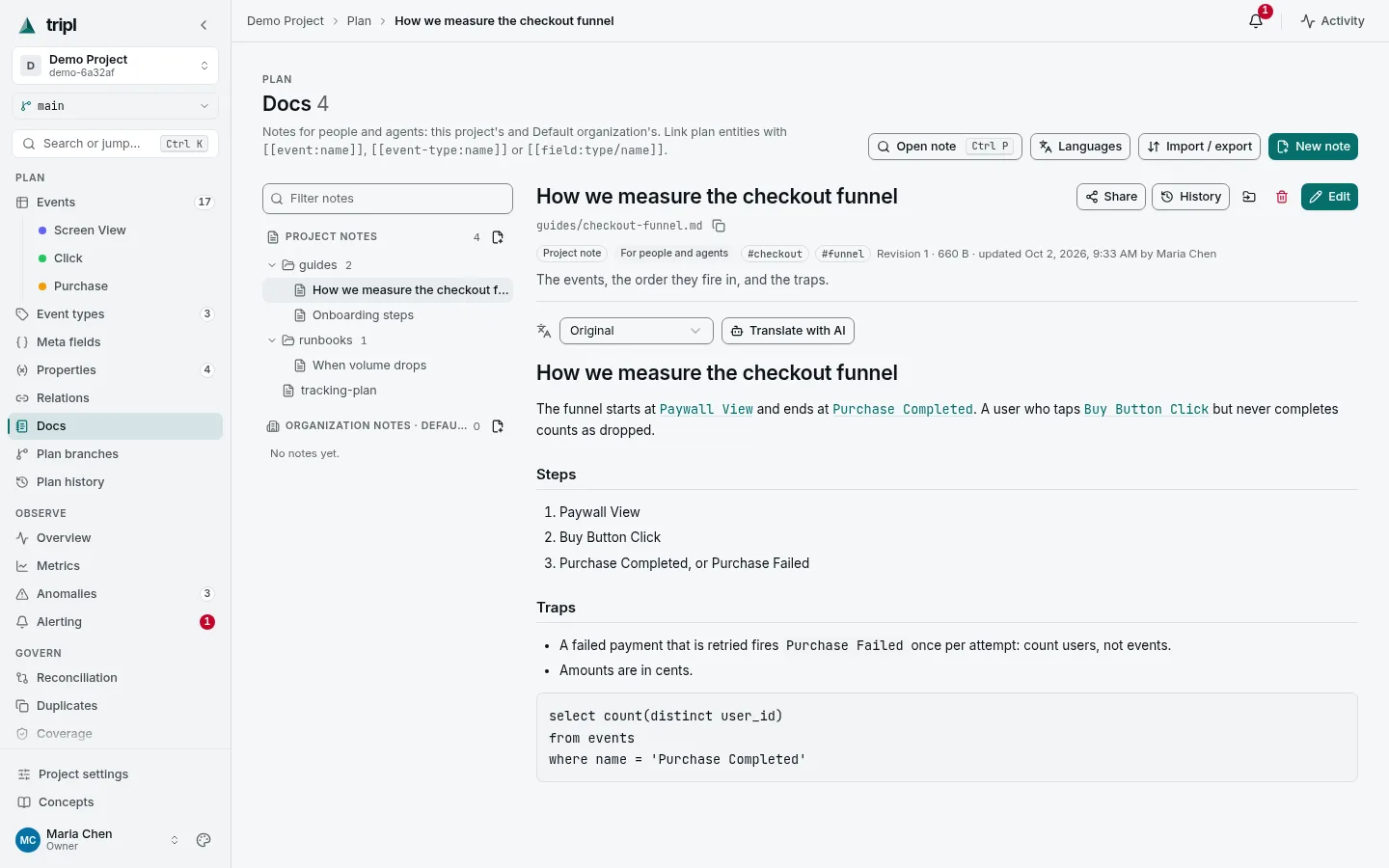
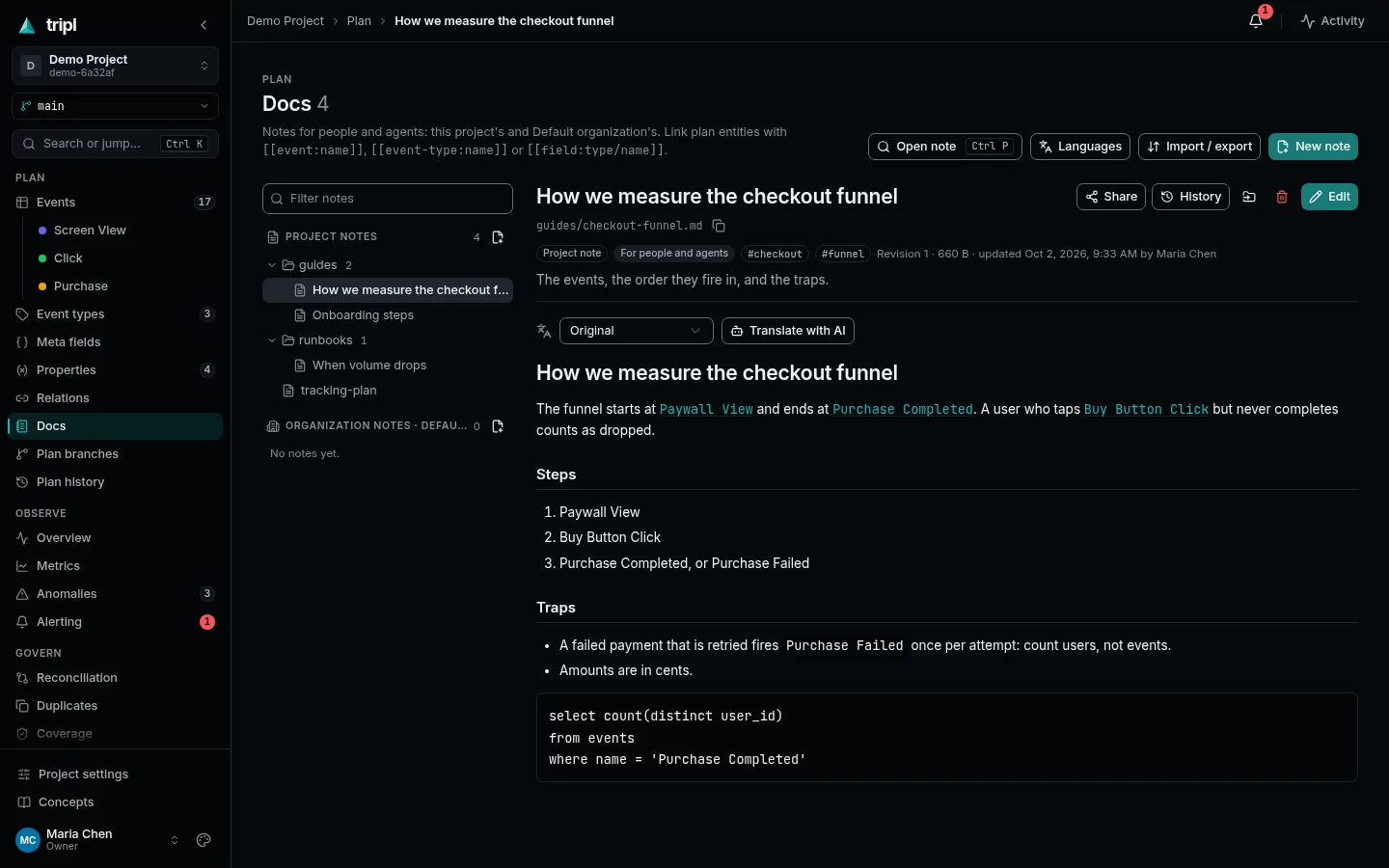
1. Write a note
Open Plan → Docs and press New note.
- Give it a path. A
/makes a folder:guides/checkout-funnel.md. - Choose where it lives: This project, or the Organization, which shows it in every project.
- Write in Markdown. The preview beside the editor renders as you type.
- Press Save. Every save is a revision you can compare and restore from History.
2. Link it to the plan
Write [[event:Purchase Completed]] and the note links to that event; the
event's page lists the note under Notes in return. [[event-type:Purchase]]
and [[field:Purchase/amount]] work the same way. If a link stops pointing at
anything, after a rename for example, it turns red and the note lists it at the
top, so it never breaks quietly.
3. Keep it tidy
Drag a note or a whole folder onto another folder in the tree to move it, and Undo in the message that follows puts it back. Ctrl+P (⌘P on a Mac) opens any note by title, and the search (Ctrl+K) finds notes by their text.
4. Translate it
For a team that reads in more than one language, press Translate with AI on a note and say which language, in any words: German, Deutsch, pt-BR.
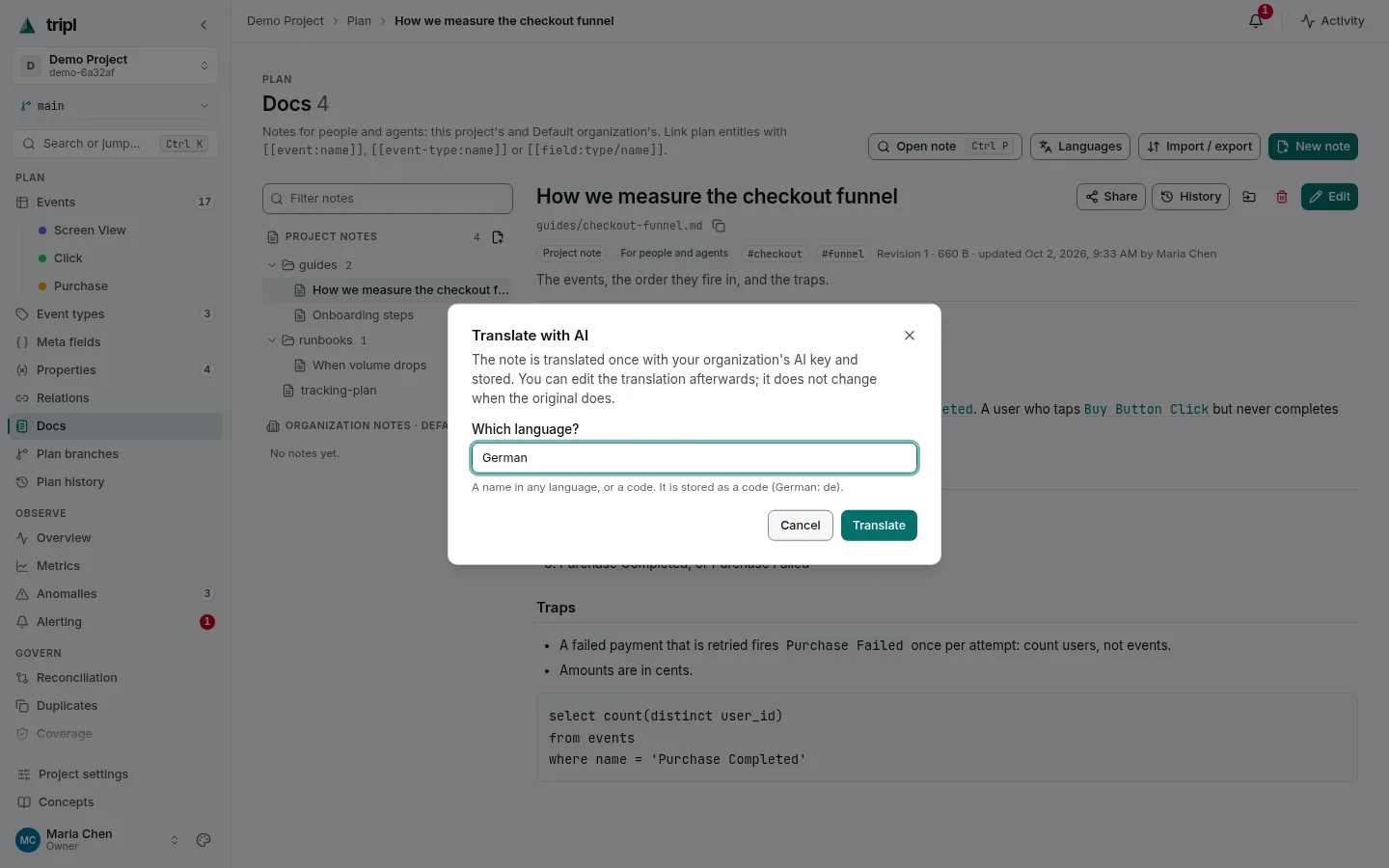
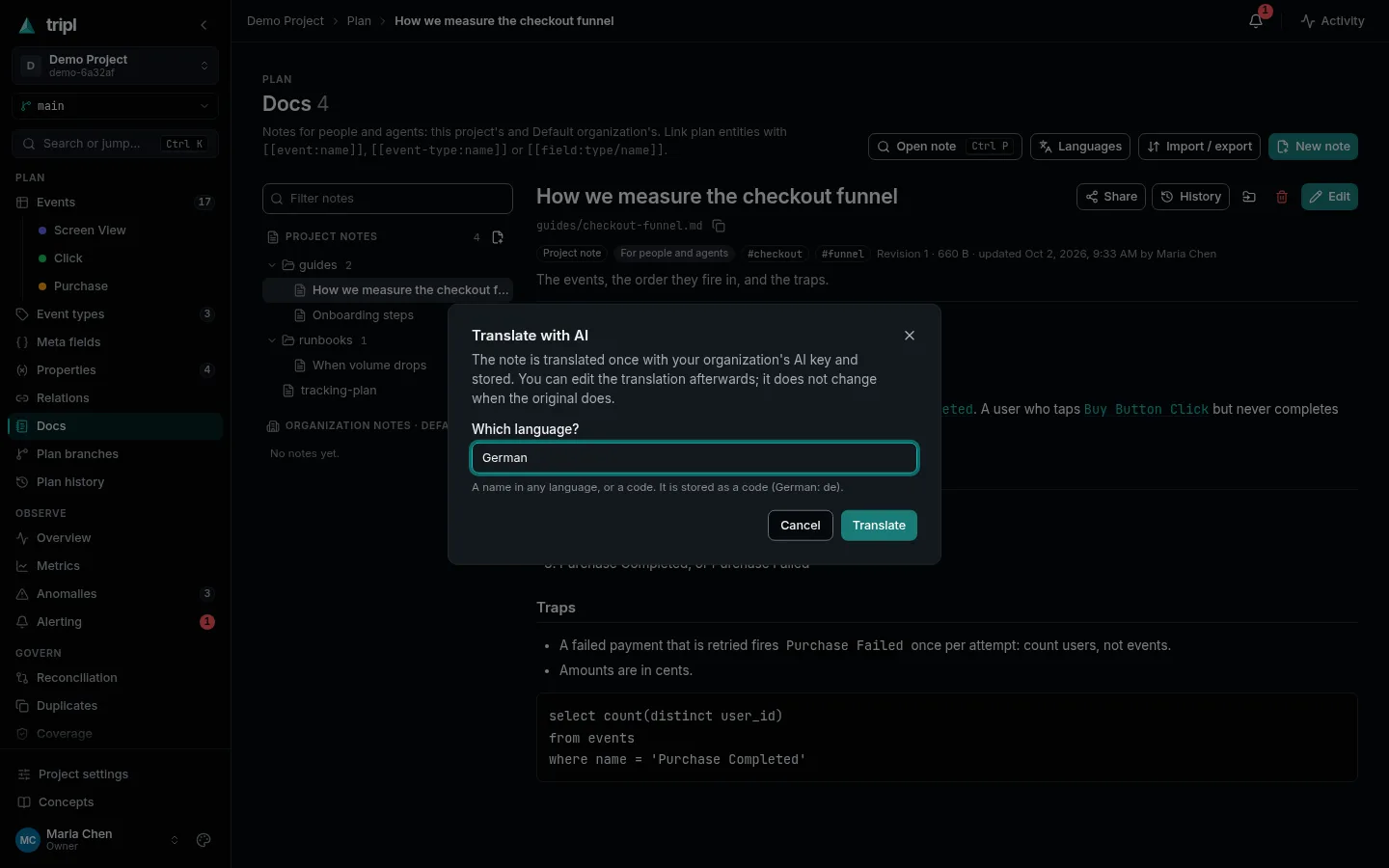
tripl translates it once with your organization's AI key and keeps it. Code, links and URLs are left exactly as they were. The language switch above the note moves between the original and its translations, and you can edit a translation by hand like any note. When the original changes later, the translation says it is out of date, until you translate again or mark it current.
Languages at the top of the page sets which version people see by default, and which one agents get.
Agents read the same notes through the MCP server
and tripl docs. A note with audience: agent in its frontmatter is meant for
them, such as a SKILL.md with instructions for working on the plan.
More detail: Docs catalog covers frontmatter, who can see what, sharing, import and export as a zip, and how translations are served.