Find gaps between the plan and the data
You will: close the two gaps every tracking plan drifts into: events the apps send that nobody wrote down, and events in the plan that no longer arrive.
You need: a scan that has run at least once. Accepting and archiving need an editor.
Open Govern → Reconciliation.
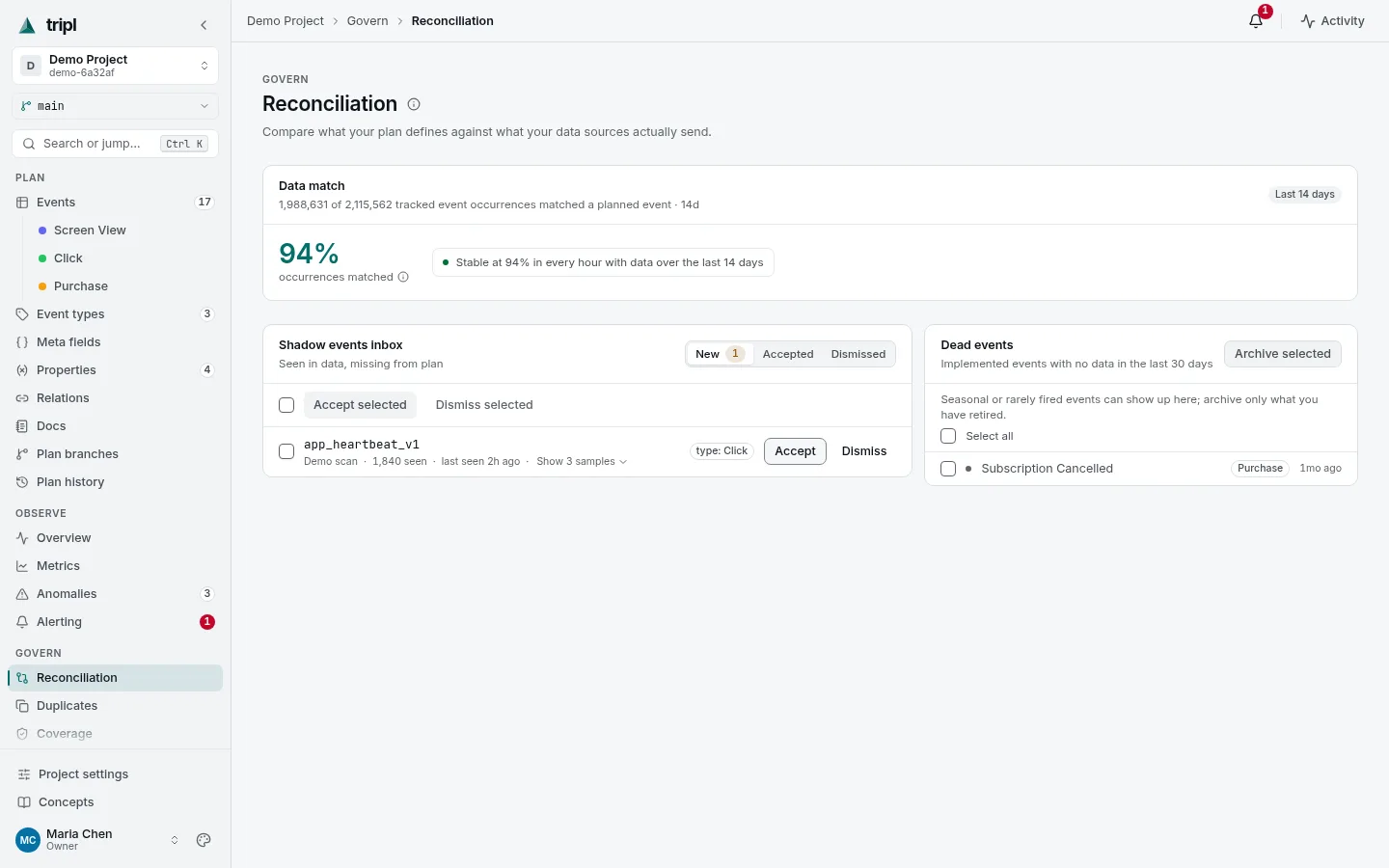
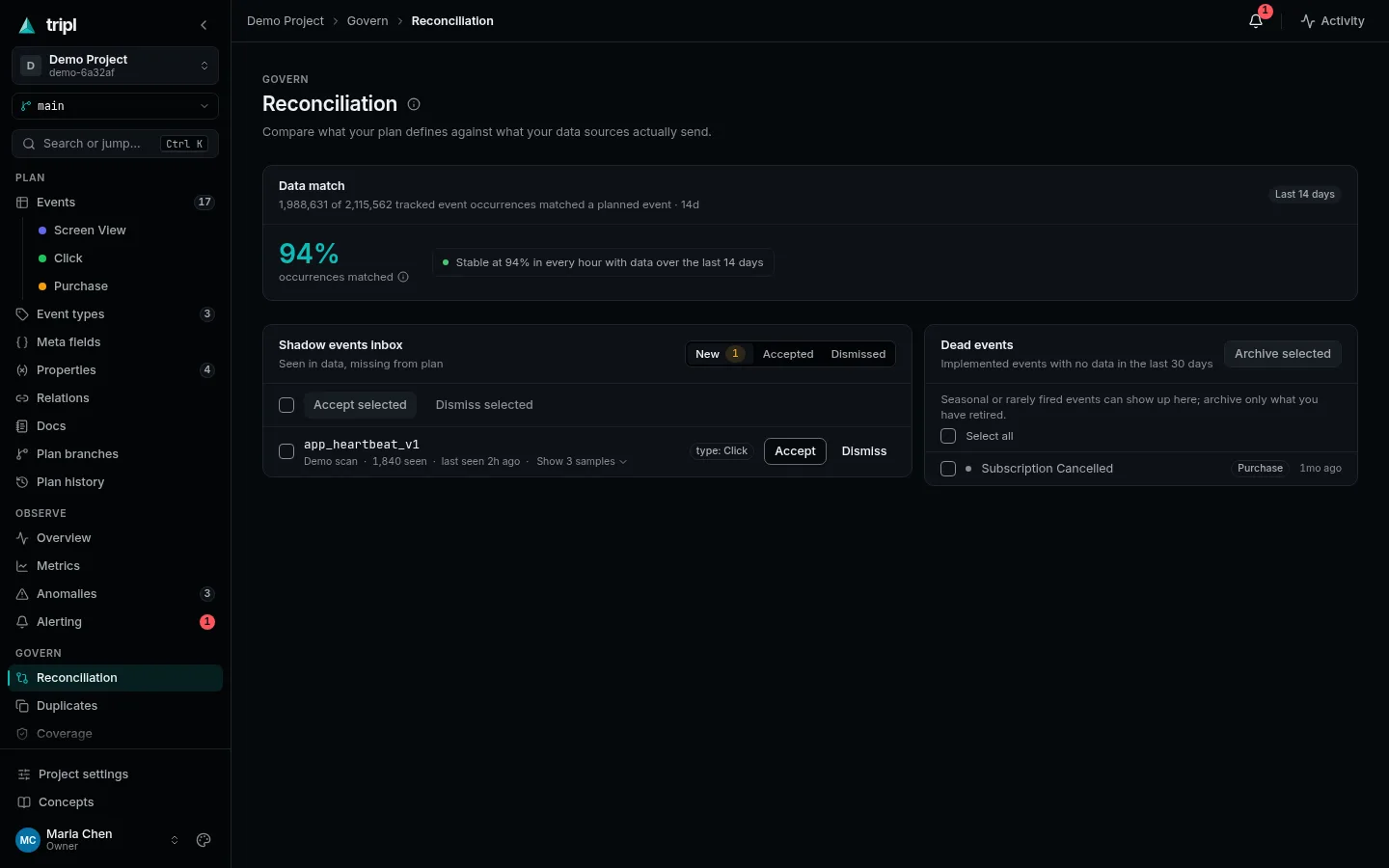
Read the headline
Data match is the share of event occurrences in your data, over the last 14 days, that matched an event in the plan. 94% means 6 out of every 100 events your apps send are not described anywhere. It is a good number to watch go up.
Add what nobody documented
The Shadow events inbox lists events seen in the data but missing from the plan, with how often each arrived and when it was last seen. For each one:
- Press Show N samples to see a few real rows of it, so you know what it is.
- Accept it to add it to the plan, or Dismiss it if it is noise (a test event, a typo that was fixed long ago).
- Open the accepted event and give it a description. tripl knows it arrives but not what it means; that part is yours.
When an event looks like one already in the plan, Accept asks first and shows the likely duplicates. Tick several rows to accept or dismiss them together.
Retire what stopped arriving
Dead events lists events the plan says are implemented, with no data in the last 30 days. Some are genuinely gone, and some are seasonal or rare, so check before you act. Tick the ones that are truly retired and press Archive selected. An archived event is put away: scans stop updating it, and it no longer counts in data match.
Ten minutes on this page every week or two keeps the plan honest, and the data match number tells you whether it is working.
More detail: Reconciliation in
the Feature Reference, including how a family of legacy names such as
profile_click_* becomes one event.